Drills from your misses, not a random bank.
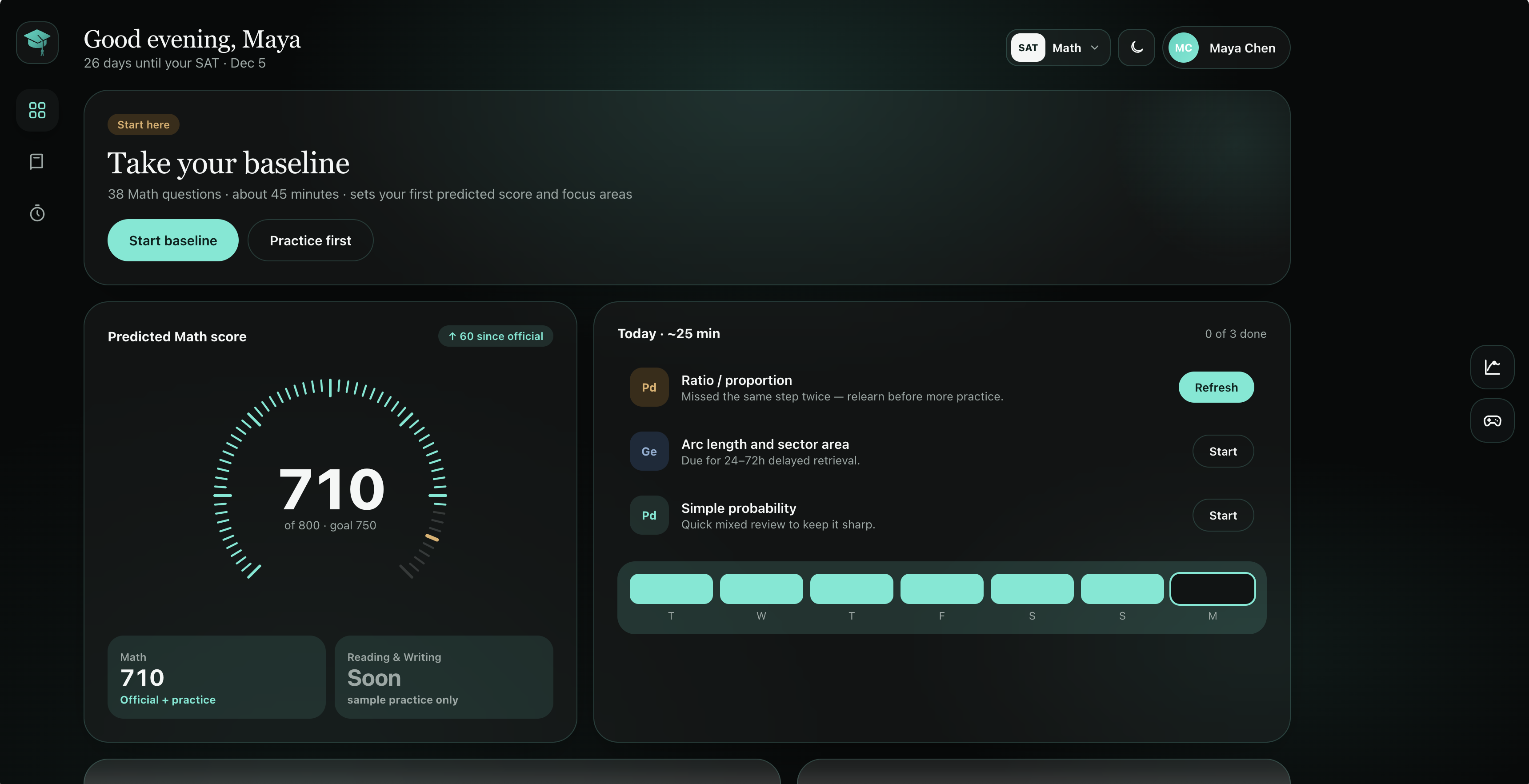
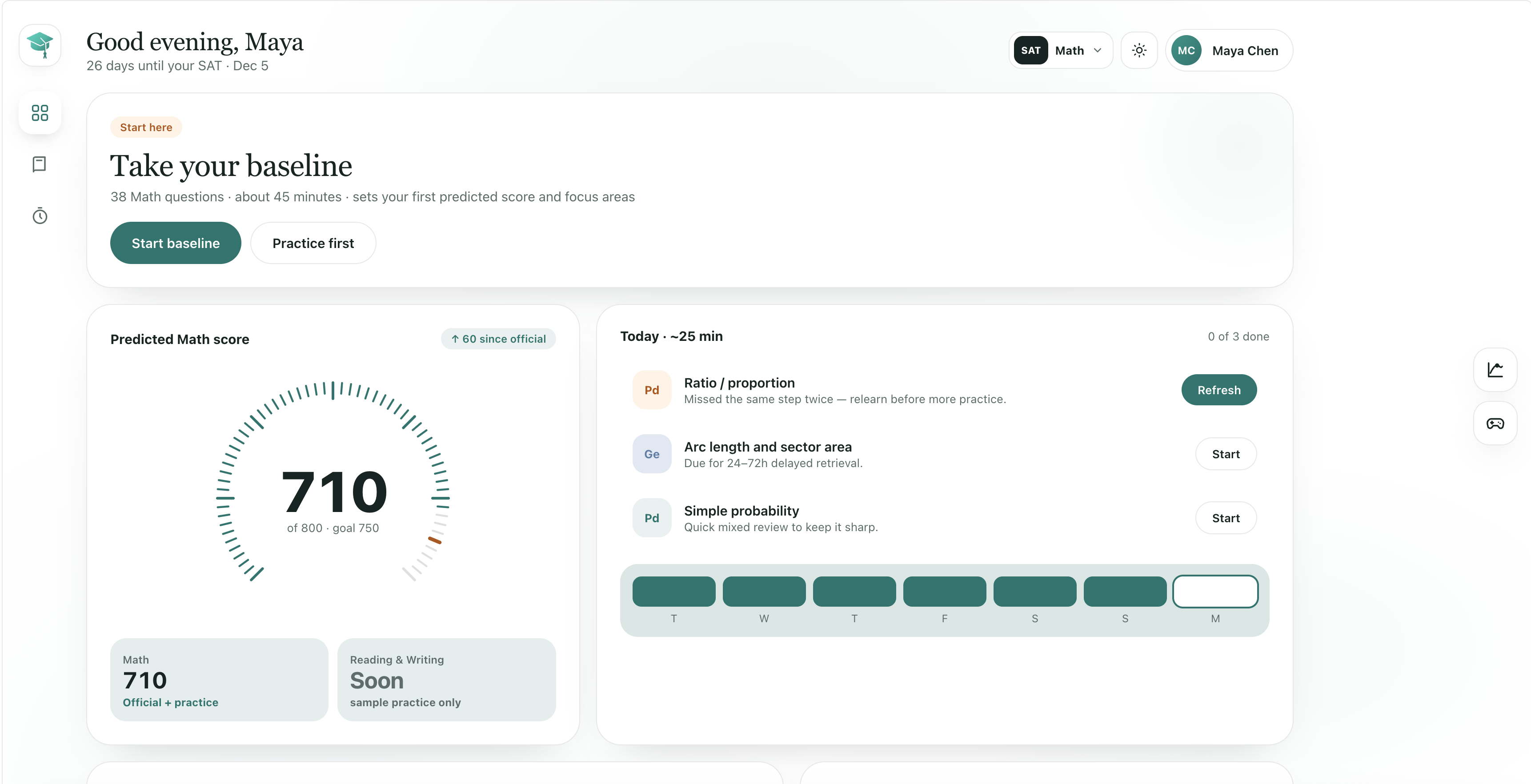
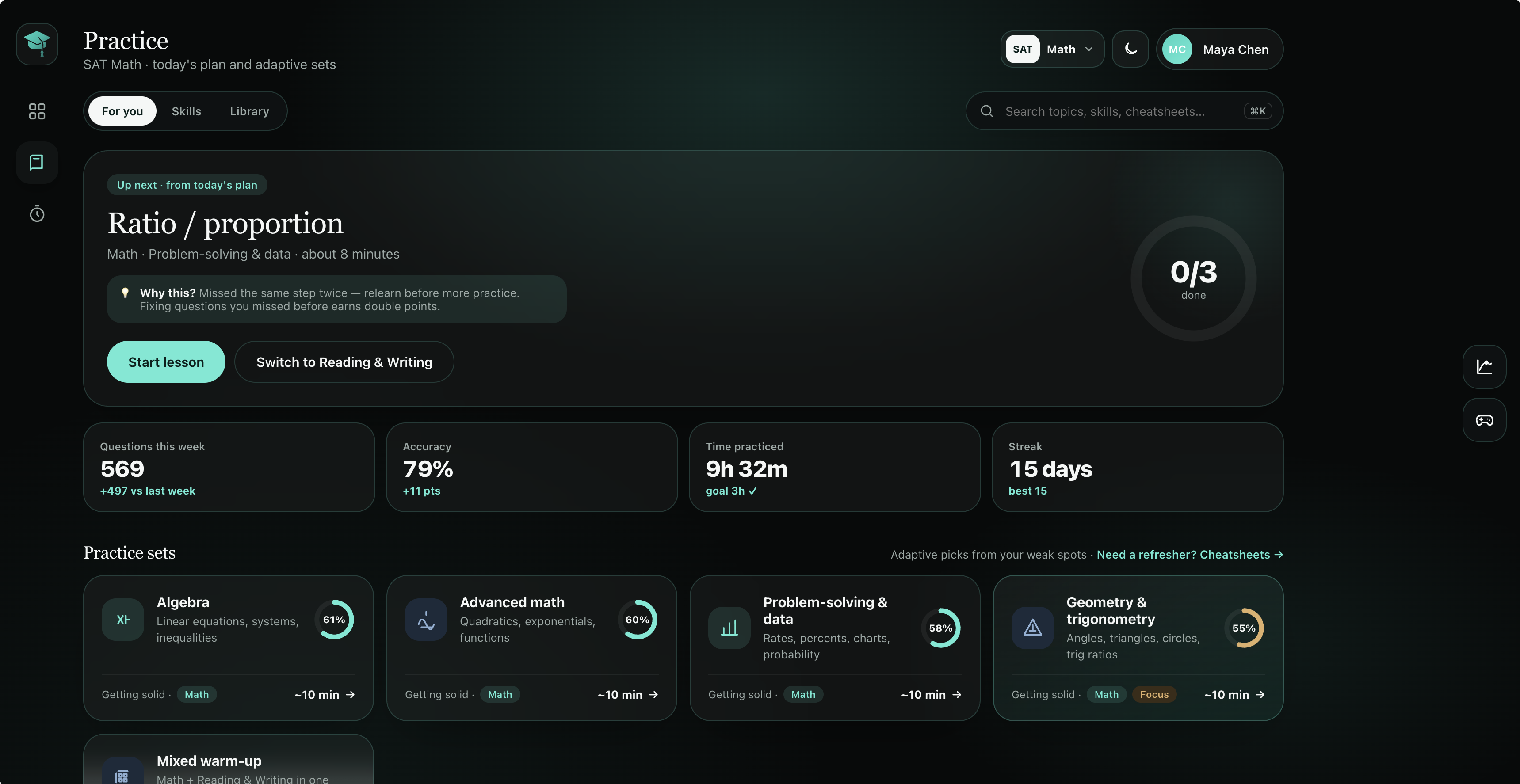
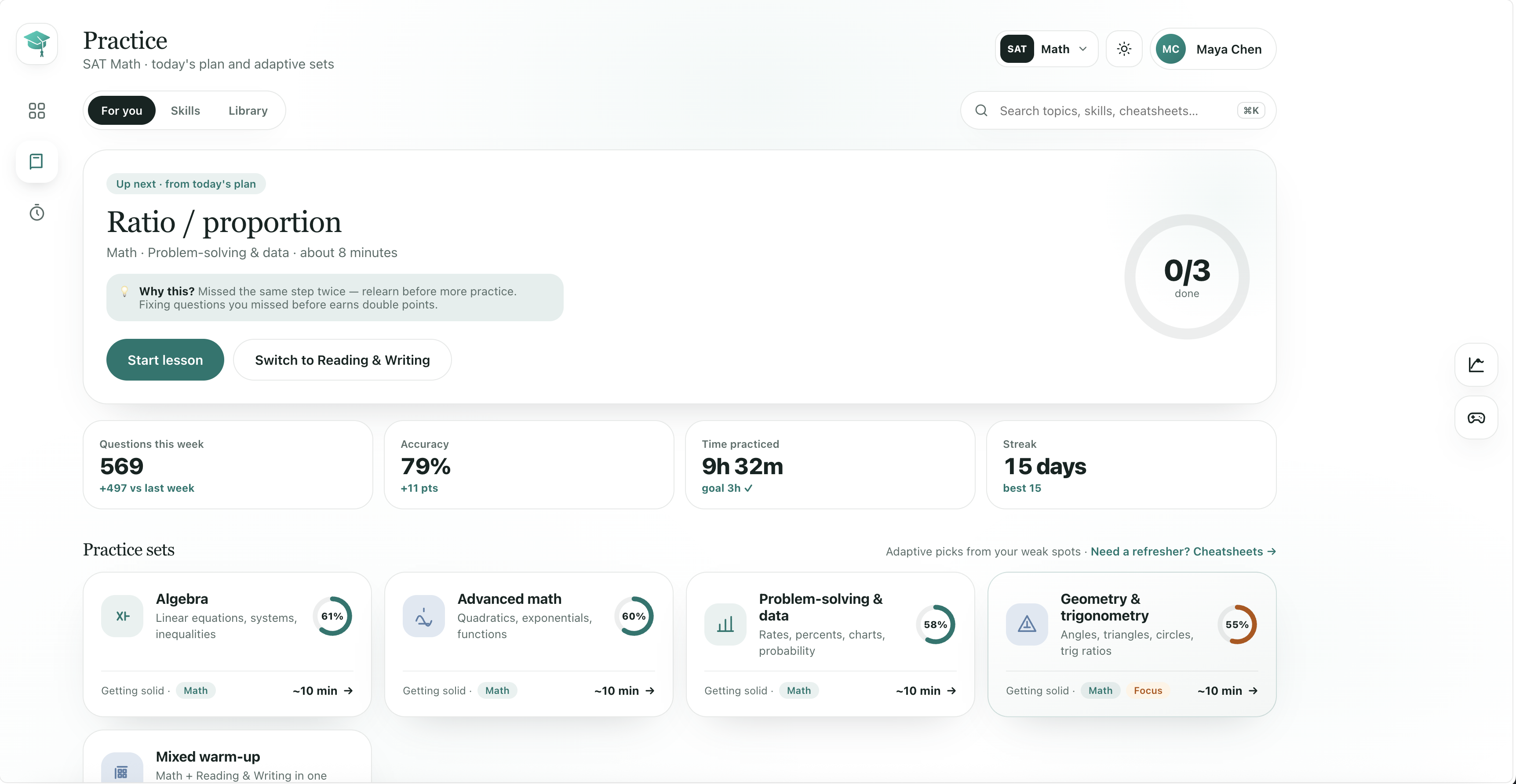
Today’s plan pulls the skills you just missed. Fix a repeated miss and you earn double points. Practice stops feeling random.
AbcSAT
Adaptive drills, timed tests, and short refreshers — one loop from weak spot to predicted score.
Why AbcSAT
Most prep apps throw volume at you. AbcSAT watches what you miss, rebuilds the skill, then puts you back into timed sets until the score moves.
Today’s plan pulls the skills you just missed. Fix a repeated miss and you earn double points. Practice stops feeling random.
Short refreshers unlock the pattern. Adaptive sets lock it in. Timed tests prove it.
Every skill has a six-step path, not a wall of text.
Form A sets your baseline. Tests and mini-checks update the prediction as each domain climbs.
Clean teal light mode by day. Soft dark mode after midnight — same layout either way.
Dark mode
Light mode
Toggle anytime from the top bar Toggle anytime from the top barFlip to dark mode from the top bar — adaptive sets, “why this?” callouts, and weekly stats keep the same layout without the bright wash.
Flip back to light from the top bar — the same calm teal studio, white panels, and predicted-score dashboard.
How learning sticks
Name the trigger. Understand the move. Route the problem. Apply it. Avoid the trap. Then practice until it’s automatic.
Spot the trigger in the question before you compute anything.
See why the move works, in plain language.
Pick the method that fits this problem type.
Work one worked example, step by step.
Learn the trap that costs students the point.
Drill adaptive sets until the pattern is automatic.
Pricing
Everything unlocked — Practice, Tests, Refresh, explainers, graphical calc, and score tracking. Cancel anytime.
AbcSAT Pro · Monthly
$2.99 / month
Billed monthly. Cancel anytime.
FAQ
Straight answers about content, devices, and how AbcSAT fits around school.
AbcSAT is built for the digital SAT (and PSAT / PSAT 8/9). Modules, timing, the graphing calculator, and question formats match what students see on test day.
SAT Math (Algebra, Advanced Math, Problem-solving & Data, Geometry & Trig) plus Reading & Writing practice tracks. Math currently has the deepest refresher and cheatsheet library.
Official practice is great for volume. AbcSAT queues the skills you personally miss, teaches the trigger with a short refresher, then sends you back into timed checks so the predicted score actually moves.
No. The app is designed for solo study sessions of 10–45 minutes. Tutors and parents can still use Tests score reports to see where time should go.
Yes — cancel anytime from account settings. Annual plans include a pro-rated refund window in the first 14 days.
Yes. The app is responsive for phone study and works well on Chromebooks and laptops — the same place most students take Bluebook practice.
Start with the free diagnostic. Keep going monthly or lock in annual and save.